 ResumeWay
Four steps. The decisions stay yours.
On the job you’re looking at, ResumeWay reads the posting, compares it with your resume and tailors your own PDF for it. You check every change, and you press Submit.
Open a job
Any posting on LinkedIn, Naukri, Indeed or a company’s careers page, and press the ResumeWay button. The side panel opens beside it. It reads a site only after you allow it.
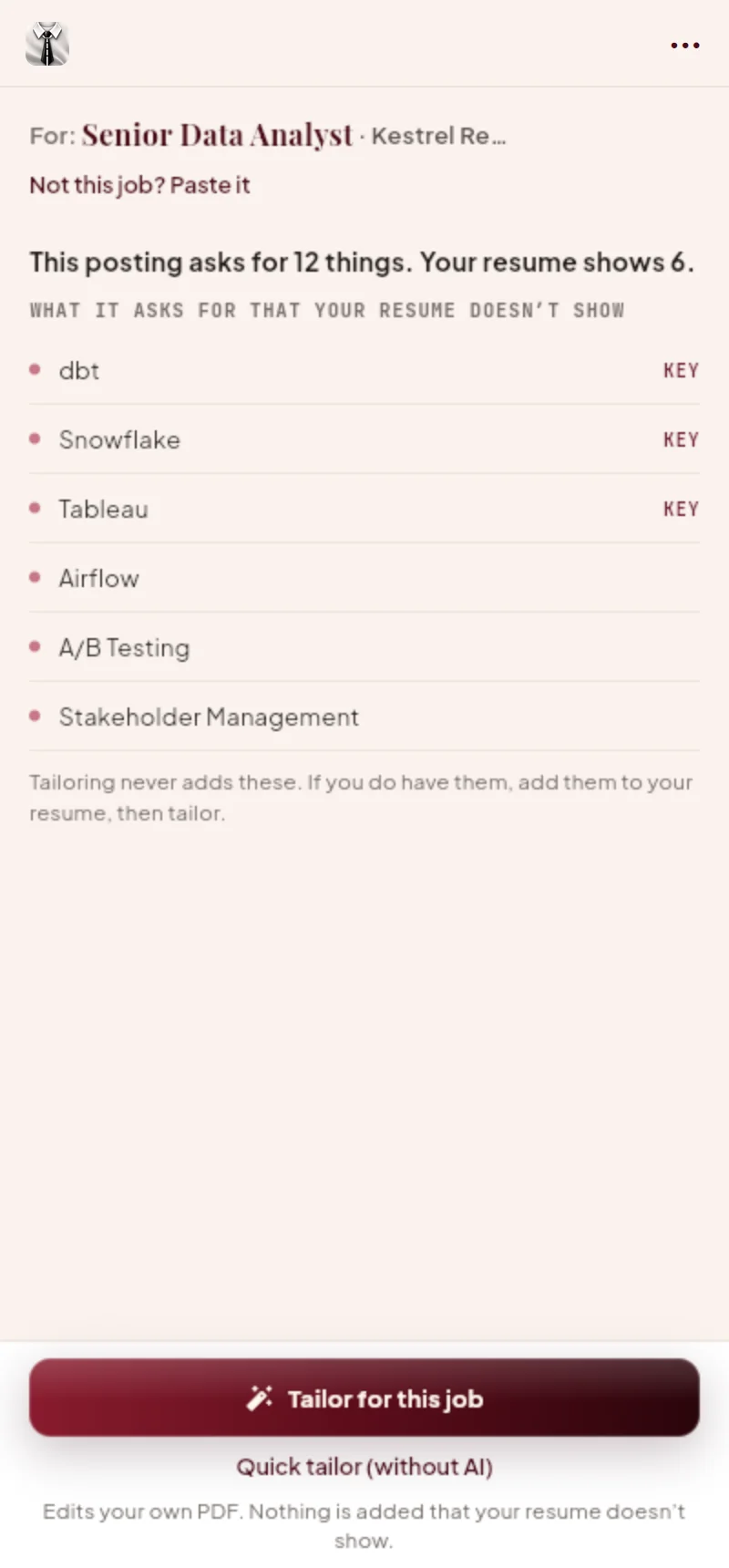
See what’s missing
“This posting asks for 12 things. Your resume shows 6.” Then the ones it doesn’t show, the key ones first. Instant and free. Common short forms count: “ML” on your resume answers “machine learning”.
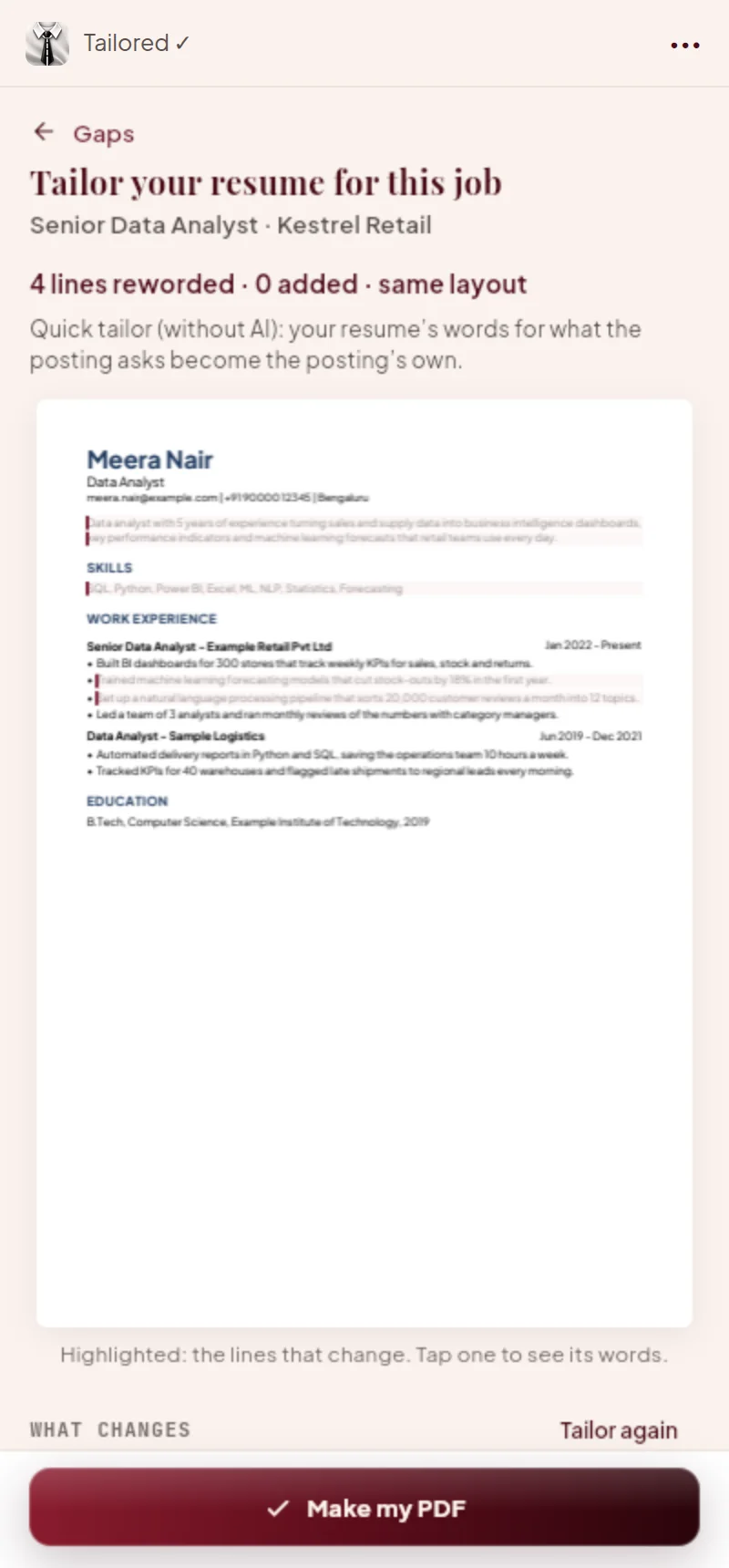
Tailor for this job
Your own PDF, reworded in the job’s words, in its own layout and fonts. You see page 1 with the changed lines highlighted, and each change word by word. A change that would add something your resume doesn’t show is kept out, and says why.
Download and send
Make your PDF and download it, named after you and the company. Upload it where you apply and press Submit yourself. Then tell ResumeWay you sent it, and it’s in your applications.
The side panel, and the app behind it.
Use it where you search.
Each device keeps its own data. Link your ResumeWay ID on each, and your setup and applications come with you to all of them.
The extension, with the web app
In Chrome, Edge or Brave. The side panel tailors your resume on any job page, and the web app finds jobs and fills applications in tabs of your own browser.
- Tailors your own PDF for the job you’re on
- Fills company forms and job-site steps
- Reads job portals where you’re already signed in
- Site sign-ins are left to your browser
The web app on its own
On an iPhone, a tablet, or a browser without the extension.
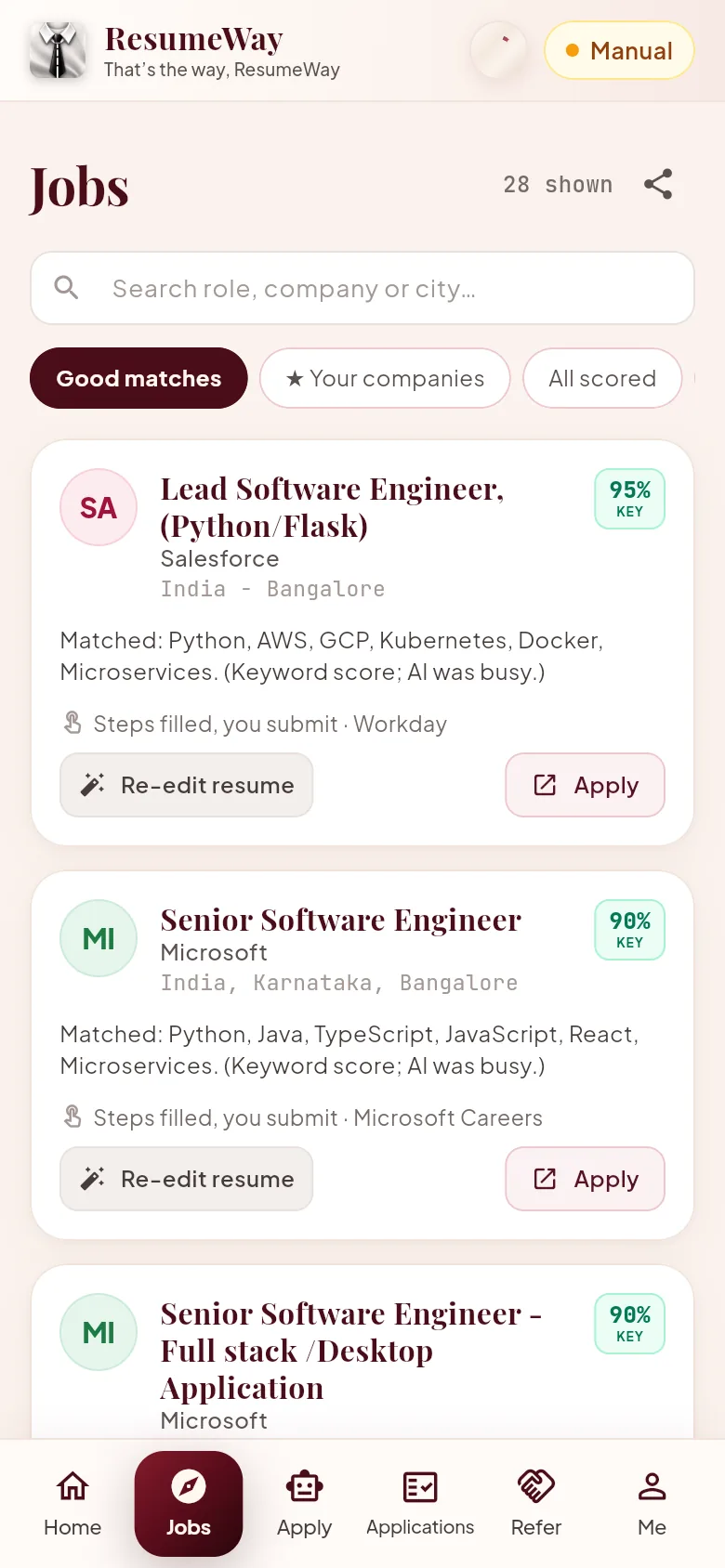
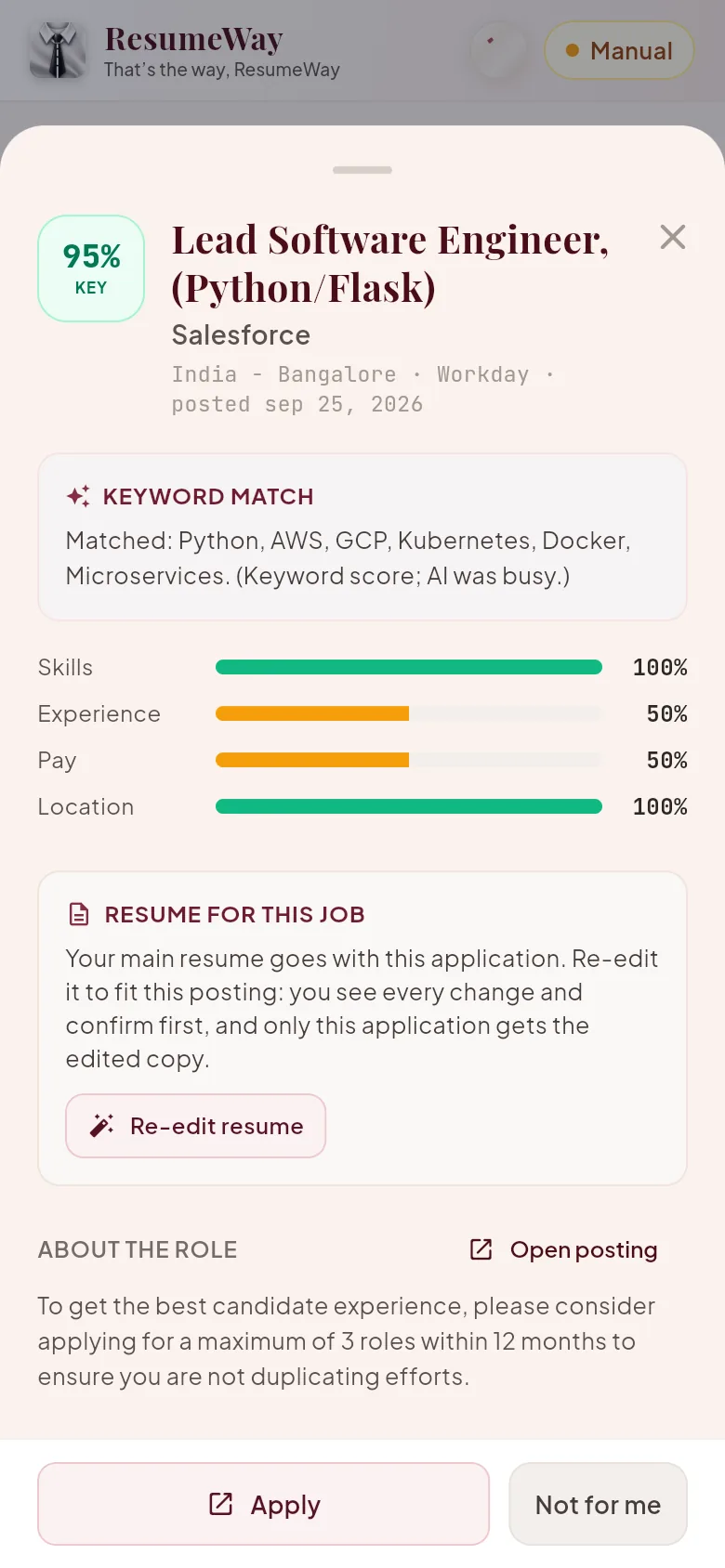
- Scans, matching, your companies and tracking
- Your resume tailored for a job you open in the app
- Apply kit: every answer ready to copy, and your resume to attach
- No side panel, and forms aren’t filled in automatically
The Android app
On your phone. Applications open inside the app, filled in.
- Scans in the background and notifies you
- Fills company forms and job-site steps
- Reads LinkedIn, Naukri, Indeed and careers pages
- Saved sign-ins for job portals, encrypted
Tailor your next application.
Add the extension, open a job, press ResumeWay.